
DJI Mini 3 Pro
Precision-Calibrated LUTs for the DJI Mini 3 Pro
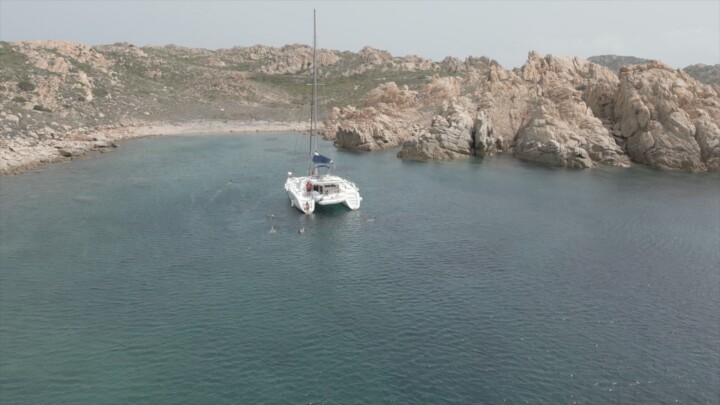
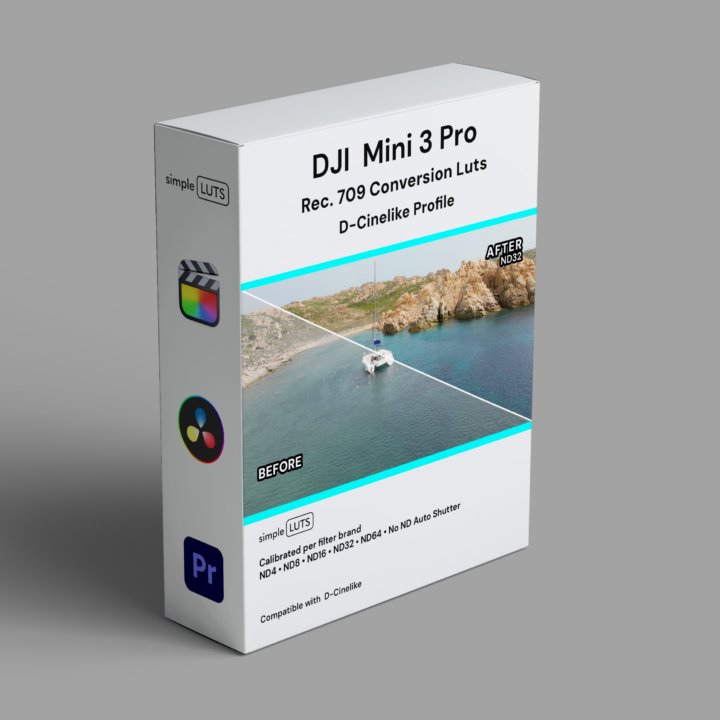
DJI Mini 3 Pro Simple LUTS pack is built from real-world footage — shot on location, calibrated against X-Rite colour checker and white balance cards, and tuned per ND filter brand and stop.
Each ND filter shifts colour differently — we measure it, we correct for it. No guessing. Compatible with the D-Cinelike profile. Every brand pack also includes the No ND Auto Shutter LUT pack, also available separately.

DJI Mini 3 Pro ND Filter Compatibility
| ND Stop | Freewell Neutral • PL • VND |
PolarPro Neutral • PL |
K&F Concept VND |
No ND Auto Shutter |
|---|---|---|---|---|
| ND8 | ✔ | ✔ | ✔ | ND8E |
| ND16 | ✔ | ✔ | ✔ | ND16E |
| ND32 | ✔ | ✔ | ✔ | ND32E |
| ND32 WS* | ✔ | ✔ | ✔ | ND32WSE |
| ND64 | ✔ | ✔² | ✔ | ND64E |
*WS = Winter Sun — calibrated for lower colour temperature light.
²PolarPro’s ND64 pack ships as the ND128-ISO200 equivalent.
E = Equivalent ND stop (no physical filter attached, Auto Shutter).
DJI Mini 3 Pro Settings
Here’s a simple setup guideline for the DJI Mini 3 drone to ensure optimal video quality, with an emphasis on using simple LUTs and ND filters:

Set White Balance
Lock white balance at 5600K. Every Simple LUTS pack is calibrated at 5600K — match the camera to the LUT.

Adjust ISO
Set ISO as low as possible. Lower ISO means less noise and a cleaner image for grading.

Adjust Frame Rate
24fps for cinematic, 50p/60p for slow motion. Pick your frame rate and keep it consistent across your shoot.
Set Shutter Speed
Double your frame rate — 24fps = 1/50, 50p = 1/100, 60p = 1/120. This is the 180-degree shutter rule. If using No ND Auto Shutter, just match the frame rate.

Use ND Filters
ND filters control exposure without changing your shutter speed or ISO. Use a brand from the compatibility table above — each one is calibrated individually.

Apply Simple LUTs
Drop the matching LUT onto your footage in FCPX, DaVinci Resolve, or Premiere Pro. Select D-Cinelike profile, match the ND filter brand and stop. Done.
Buy once. Keep forever. Use anywhere.
No monthly fees. No subscription. No per-project licensing. Your LUTs are yours — use them on every project, every camera, every client.
Simple LUTS are also available for the Sony FX6, Sony FX3/30, iPhone 17 Pro, DJI Osmo Pocket 3, DJI Mini 4 Pro, and GoPro Hero 13 — all calibrated to the same standard. Shot on a DJI Mini 3 Pro? These LUTs are built specifically for it.