
iPhone 17 Pro
Precision-calibrated LUTs for the iPhone 17 Pro
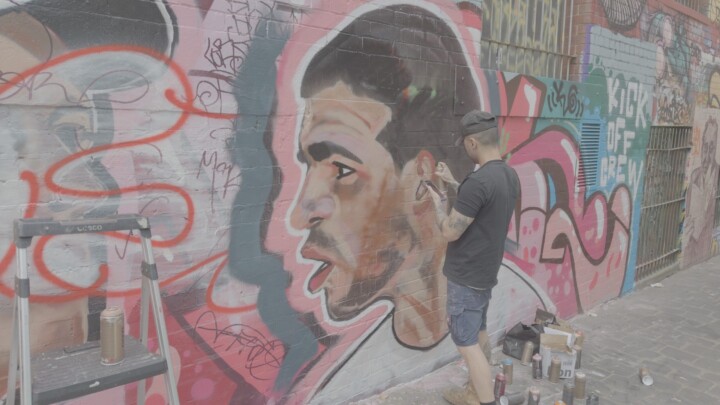
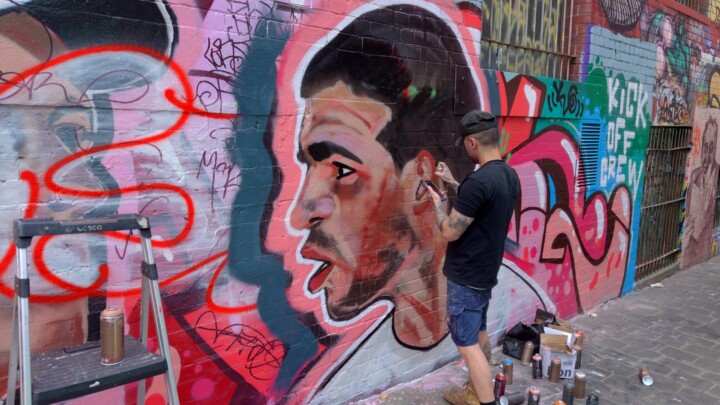
iPhone 17 Pro LUTs are calibrated per ND filter brand and ND stop against real footage, so every filter’s colour cast is corrected for. No guessing. Just accurate, consistent colour straight out of the box. Every brand pack also includes the No ND Auto Shutter LUT pack, also available separately.
What’s in each pack
Every pack is calibrated for the specific ND filter on your lens. Not estimated — measured. The tested list covers SmallRig VND, Freewell All Day VNDs, Freewell Sherpa VND/CPL, PolarPro Litechaser and Freewell Sherpa True Color VND. Free updates to any variations or additional LUTs we add down the track.
Calibrated per ND filter brand
Each ND filter brand shifts colour differently, so we calibrate per brand and per ND stop. No filter? Use the No ND Auto Shutter pack instead.
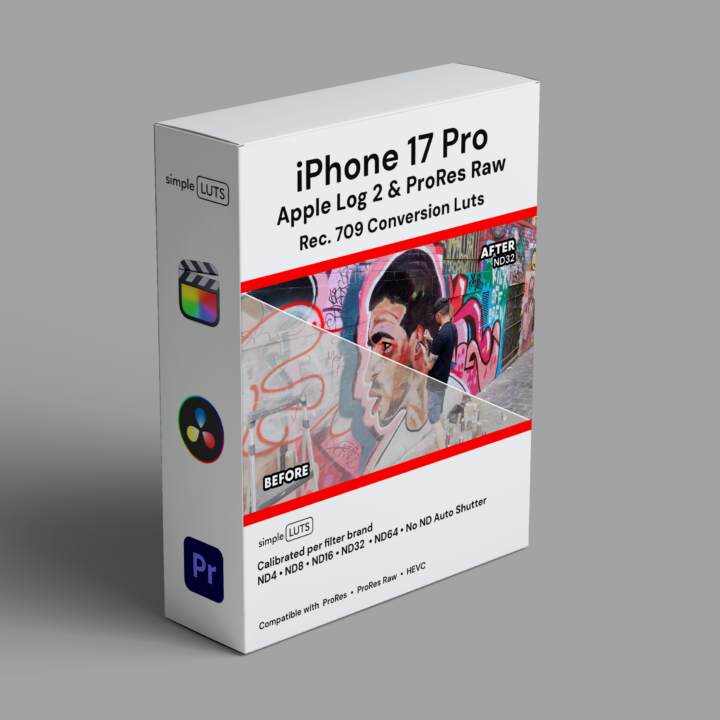
Conversion LUTs included in the pack are for Apple Log 2 & Open Gate ProRes Raw profiles:
First, we colour balance every LUT individually, per ND filter brand and per ND stop. In addition, you get Apple Log 2 monitor LUTs for the Blackmagic Camera app. Because there is one per ND stop, your on-set monitoring stays accurate.
What's inside the iPhone 17 Pro LUT pack:
- ND4
- ND8
- ND16
- ND32
- ND64
- No ND Auto Shutter (Equivalent)
Finally, load the matching Apple Log 2 monitor LUT into the Blackmagic Camera app before you roll. Then what you see on set is what you grade later.
ProRes Raw: apply the Apple Log 2 camera LUT in your editing platform’s Raw settings, then add the matching Simple LUT. In both cases, Apple Log 2 and Open Gate ProRes Raw LUTs land in Rec.709.
iPhone 17 Pro Set up Guide
Here’s a simple setup guideline to ensure optimal video quality, with an emphasis on using simple LUTs and ND filters:

Set White Balance
Lock the white balance at 5600K. This ensures consistent color temperature, especially when shooting outdoors in daylight, providing a solid foundation for color grading with simple LUTS.

Adjust ISO
Set the ISO to the lowest possible value to reduce noise and achieve the cleanest image quality. This is crucial for maintaining the integrity of your footage when applying LUTS in post-production.

Adjust Frame Rate
Choose your frame rate for the look you're after — 24fps for a classic filmic motion feel, or 50/60fps for slow-motion flexibility. Consistent frame rates keep your LUTs uniform across every shot.
Set Shutter Speed
Set shutter speed to double your frame rate (e.g. 1/50 at 24fps) for natural motion blur — the 180-degree rule essential for a cinematic look. For slow motion, try 50/60p with 1/100–1/120. Using No ND Auto Shutter? Just match the frame rate.

Use ND Filters
The iPhone has no built-in ND, so use a quality VND from the brands on our list to control exposure without changing shutter or ISO. Each Simple LUT is calibrated to that specific filter — so colour stays accurate at every stop.

Apply Simple LUTs
Apply the Simple LUT matching your filter and ND stop — calibrated for Apple Log 2 and Open Gate ProRes Raw. It brings out full dynamic range and colour depth with no colour-cast guesswork. Shooting without ND? Use the No ND Auto Shutter LUTs at 50/60p — white balance locked at 5600K, tint at zero.
Open Gate changes more than your frame
Open Gate ProRes Raw captures the full sensor, so you keep every pixel. As a result, you can recrop to vertical 9:16 for social or reframe the shot in post, all without losing resolution. However, it also shifts your colour. In fact, card-balanced testing shows Open Gate landing slightly off on hue and tint next to standard Apple Log 2 capture. The difference is subtle, but it is there. So Simple LUTS ships ProRes Raw-specific LUTs that correct it, per filter brand and per ND stop. In the end, your footage still lands in true Rec.709.
Buy once. Keep forever. Use anywhere.
No monthly fees. No subscription. No per-project licensing. Your LUTs are yours — use them on every project, every camera, every client.
Simple LUTS are also available for the Sony FX6, Sony FX3/30, GoPro Hero 13, and DJI Osmo Pocket 3 — all calibrated to the same standard. Shot on an iPhone 17 Pro? These LUTs are built specifically for it.